Overview / 概要
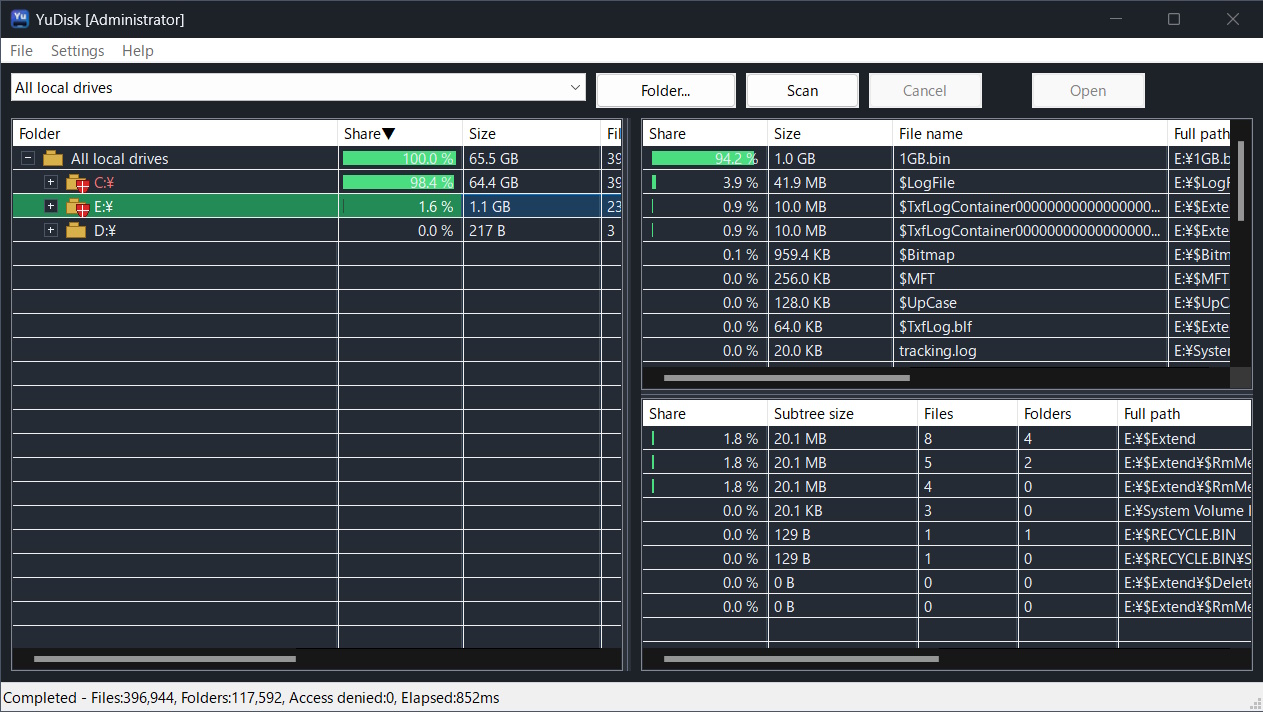
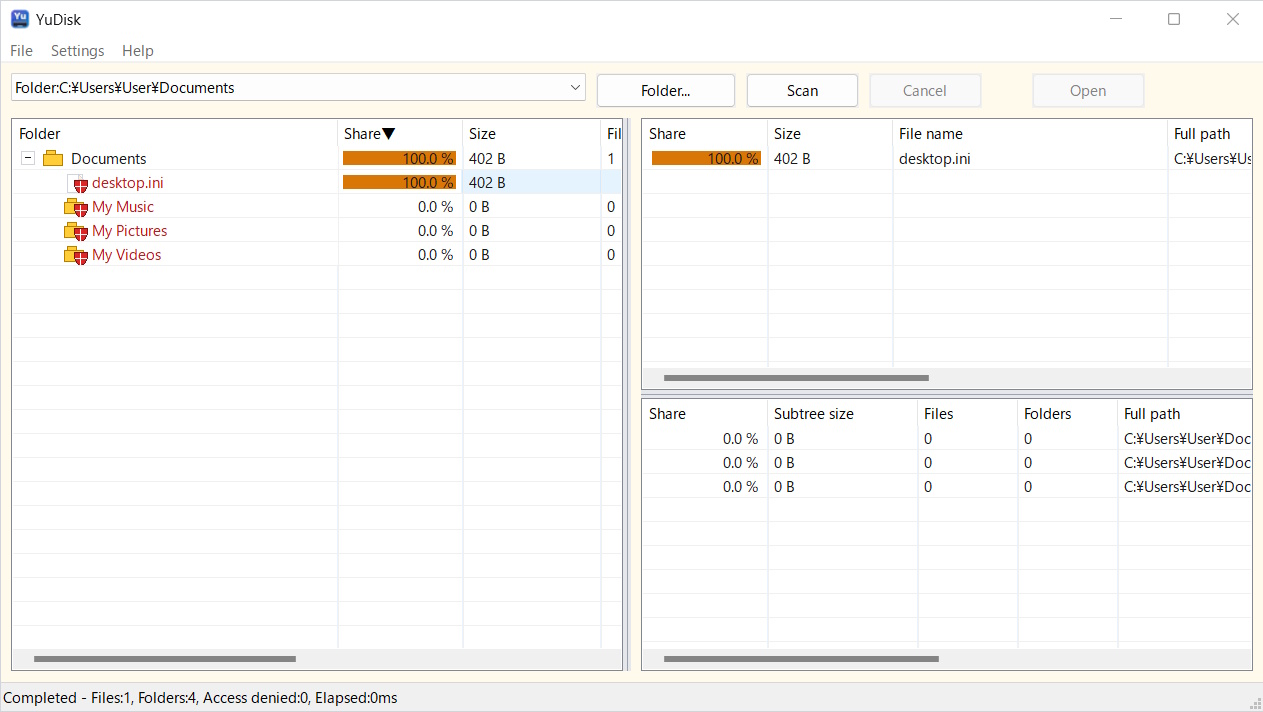
YuDisk is a disk usage viewer for Windows that helps you inspect how local drive space is being used.
It links an Explorer-style tree with top files and top folders ranked by size, so you can quickly reach the locations using the most disk space. On NTFS drives, YuDisk can use a faster scan mode when launched with administrator privileges.
YuDisk は、ローカルドライブの容量使用状況を調べるための Windows 向けディスク使用量ビューアです。
Explorer 風のツリー表示、容量順の上位ファイル、容量順の上位フォルダーを連動して表示します。容量を大きく使っている場所へすばやく移動でき、NTFS ドライブでは管理者権限で起動すると高速スキャンを利用できます。
Media Coverage
Screenshots
Download / ダウンロード
Store edition 2.00. Recommended for normal installation and updates.
ストア版 2.00。通常のインストールと更新にはこちらを推奨します。
Free edition 1.01. Extract the ZIP file and run the application.
無料版 1.01。ZIP ファイルを展開して実行できます。
Store edition: 2.00 / Free edition: 1.01
Features / 機能
ローカルドライブやフォルダーの容量使用状況を、ツリーとランキングで確認できます。
管理者権限で起動した場合、NTFS ドライブで高速スキャンを利用できます。
一般ユーザー権限や非 NTFS ドライブでも通常スキャンで利用できます。
容量の大きいファイルとフォルダーを一覧表示します。
選択した項目を Explorer で開けます。
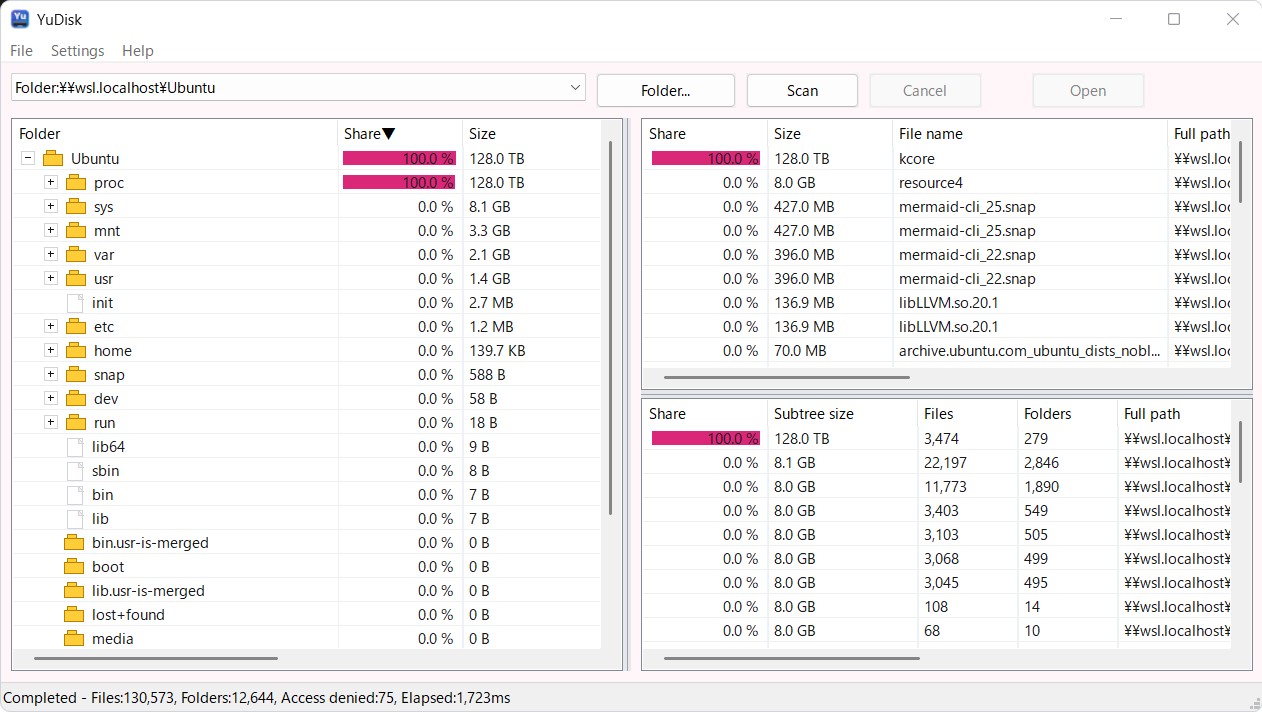
WSL フォルダーもスキャン対象として扱えます。
複数の配色テーマと表示言語に対応しています。
高解像度ディスプレイやマルチモニター環境に対応します。
Win32 API ベースのネイティブアプリで、.NET Framework は不要です。
Languages / 言語
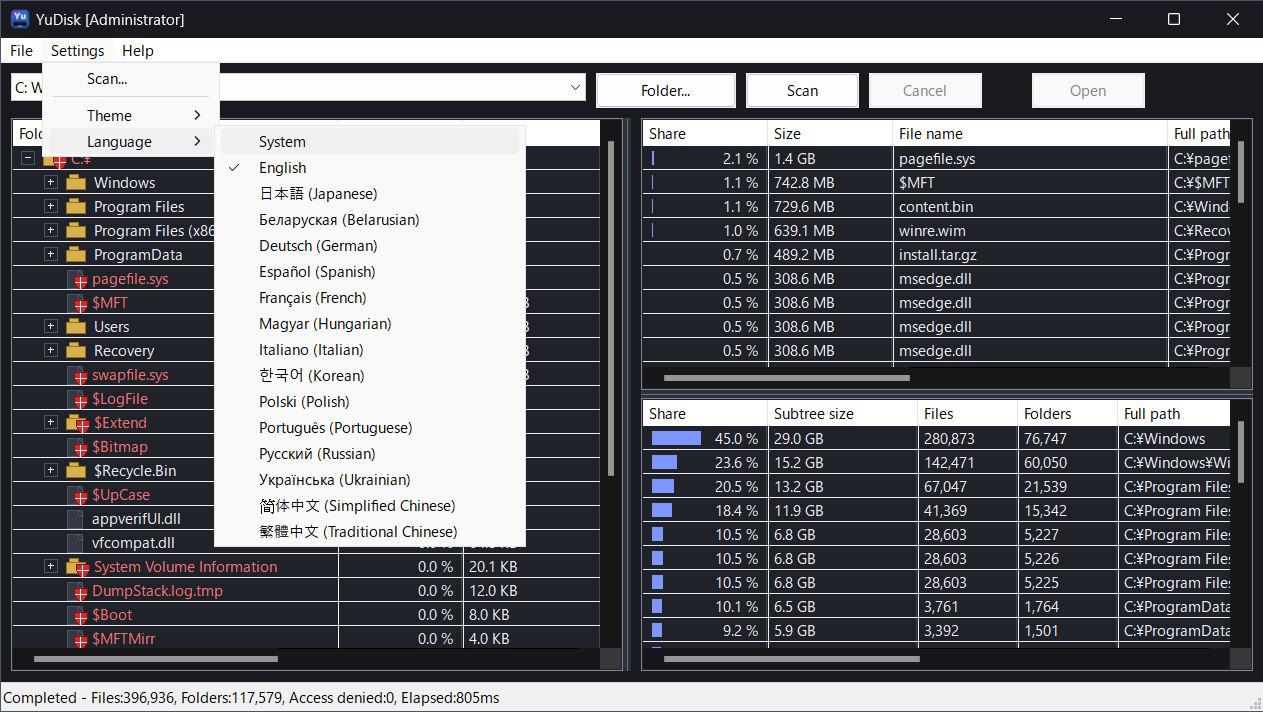
YuDisk supports the following display languages. Numbers shown in the status bar, including file counts, folder counts, sizes, elapsed time, and progress percentages, are also formatted with digit grouping, date/time, and size notation that match the selected display language or OS locale.
YuDisk は以下の表示言語に対応しています。ステータスバーに表示されるファイル数、フォルダー数、サイズ、経過時間、進捗率などの数値も、選択した表示言語または OS ロケールに合わせて書式化されます。
Color Themes
YuDisk supports the following color themes. The title bar, menu bar, tree, lists, status bar, and other application areas switch together for a consistent look.
Settings File
YuDisk stores settings in yudisk.settings.json.
| ZIP Package | If yudisk.portable exists in the same folder as the executable, YuDisk saves yudisk.settings.json in that folder. |
|---|---|
| Store / Standard Use | Settings are saved to %LOCALAPPDATA%\YuDisk\yudisk.settings.json. |
System Requirements
| OS | Windows 11 64-bit |
|---|---|
| Processor | Intel / AMD 64-bit processor |
| Target Drives | Local drives normally accessible from Windows, including NTFS, exFAT, and FAT32. |
| .NET Framework | Not required. YuDisk is a native application. |
License
YuDisk Microsoft Store Edition License
Copyright (C) 2026 Yutaka Hirata.
YuDisk Microsoft Store Edition is commercial software distributed through Microsoft Store.
You may use this software for both personal and commercial purposes on devices where it is installed through Microsoft Store under the applicable Microsoft Store terms.
Redistribution, resale, sublicensing, reverse engineering, and distribution of modified copies are prohibited except where permitted by applicable law.
Purchase, installation, updates, and refunds are handled under the applicable Microsoft Store and Microsoft account terms.
This software is provided with the intention of stable operation, but no warranty is made that it will operate correctly in every environment, meet any particular purpose, or preserve all data.
To the maximum extent permitted by applicable law, the author shall not be liable for any damages arising from the use of, or inability to use, this software.
YuDisk Freeware License
Copyright (C) 2026 Yutaka Hirata.
This software is freeware. You may use it free of charge for both personal and commercial purposes.
You may redistribute the original, unmodified archive as long as this license file remains included.
You may not sell this software by itself, claim authorship of it, or distribute a modified version under the YuDisk name.
This software is provided with the intention of stable operation, but no warranty is made that it will operate correctly in every environment, meet any particular purpose, or preserve all data.
To the maximum extent permitted by applicable law, the author shall not be liable for any damages arising from the use of, or inability to use, this software.
Copyright
Copyright is held by Yutaka Hirata (Yutaka Hirata / 平田 豊).
(C) 2026 Yutaka Hirata (Yutaka Hirata / 平田 豊)
Release History / 改版履歴
| Store 2.00 |
|
|---|---|
| Free 1.01 |
|