Screenshots
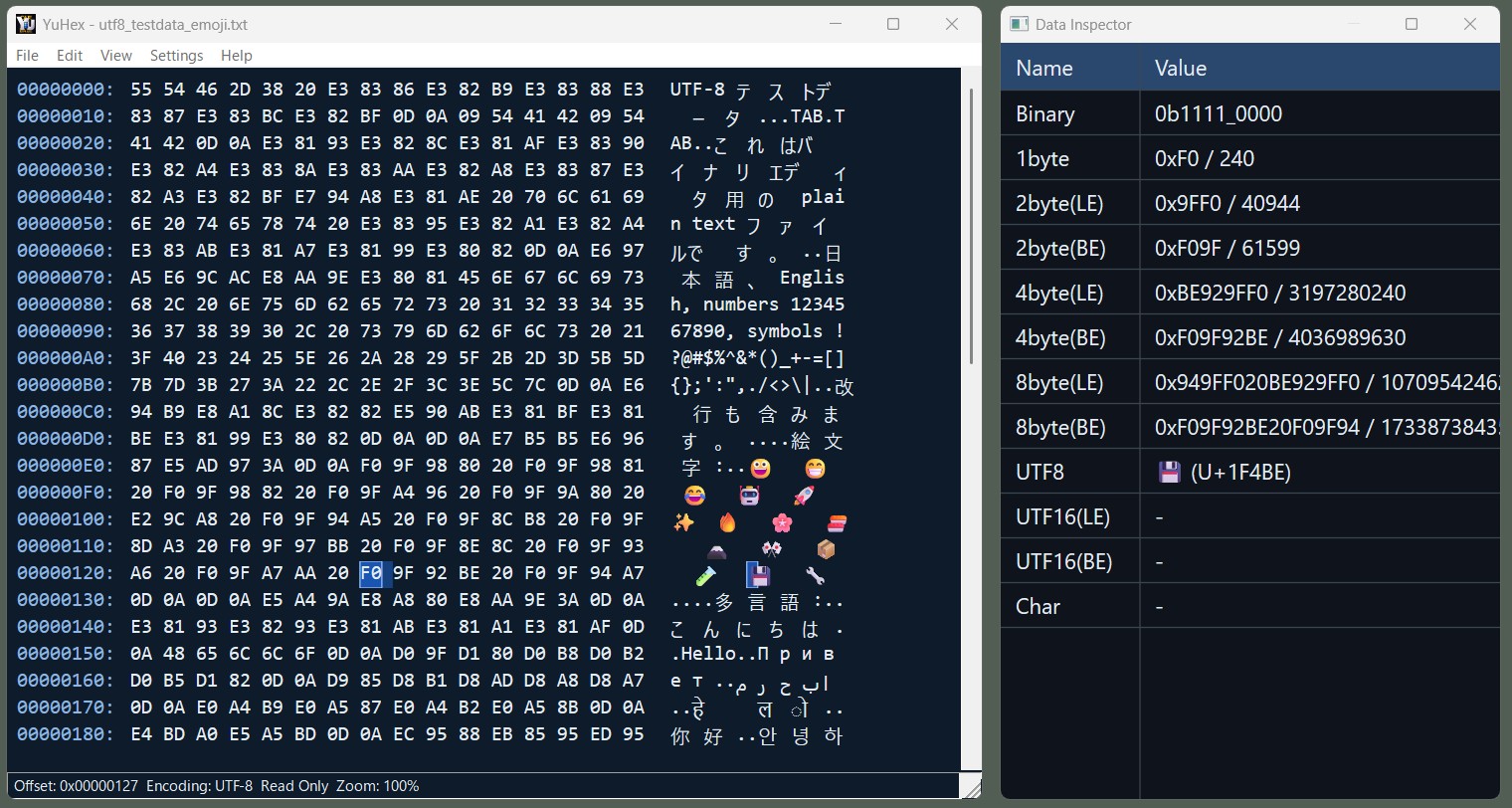
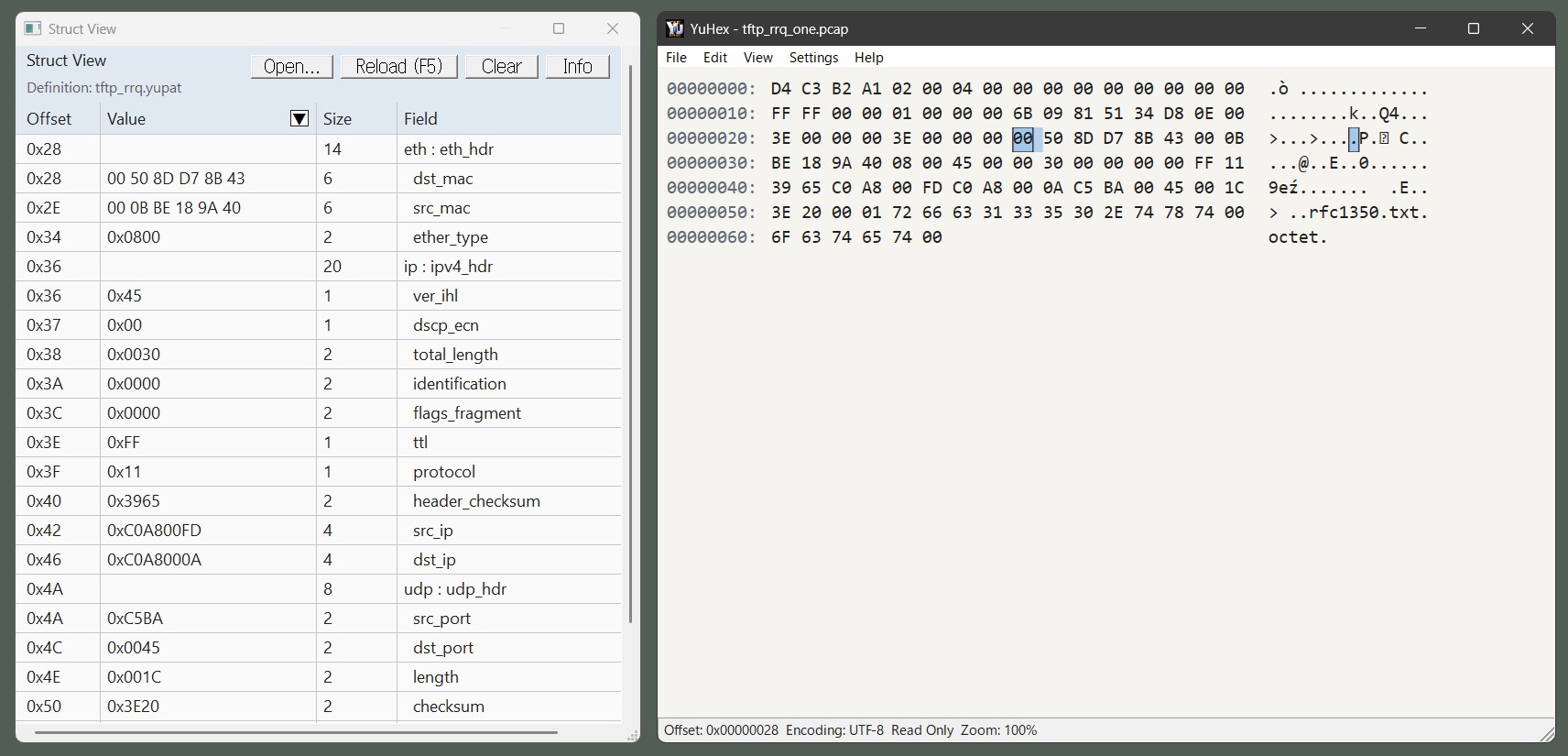
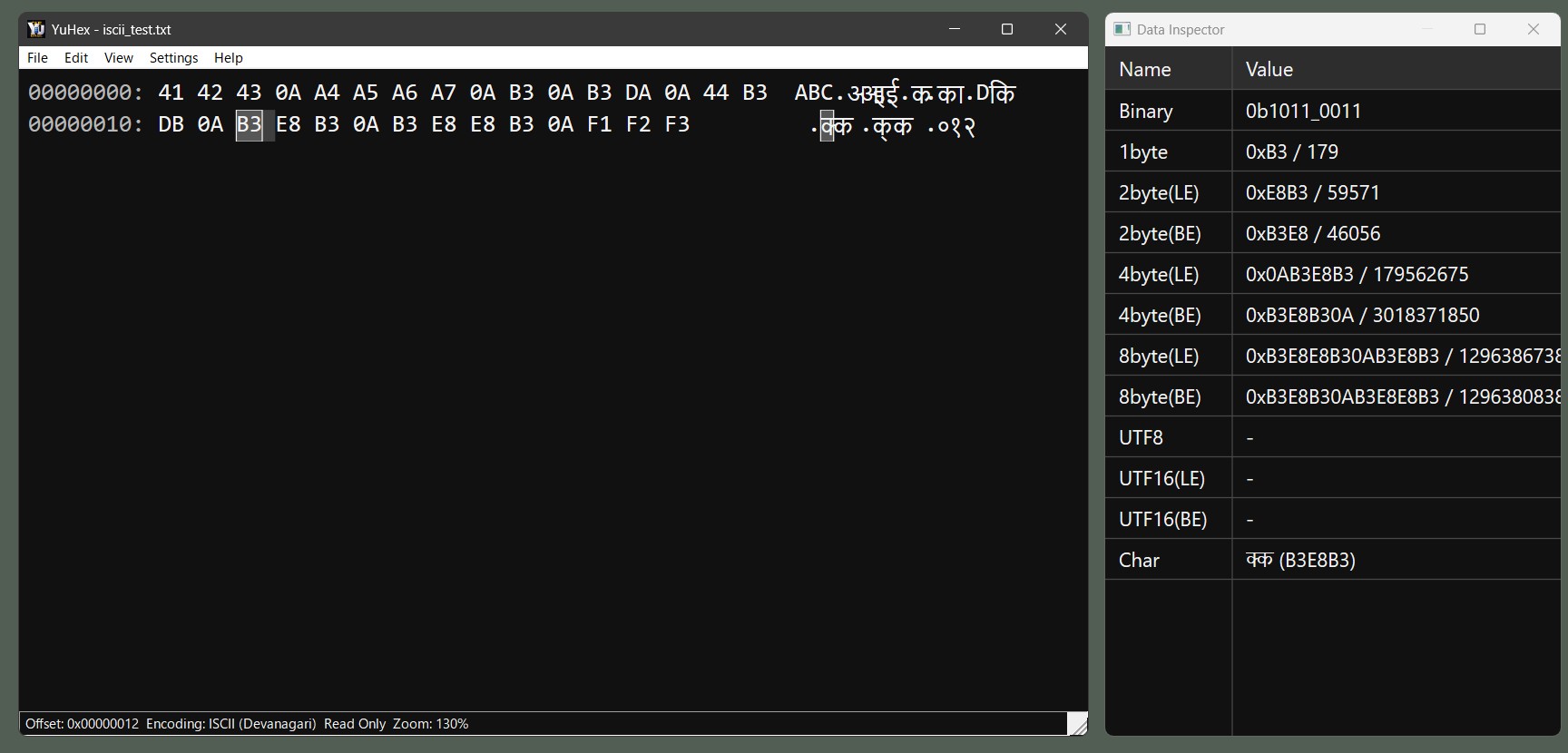
YuHex is a simple binary editor for Windows.
It provides the essential features needed to work with binary files, including editing, searching, and changing text encodings.
Articles and listing pages that introduce YuHex.
| Version | Release Date | Download | Malware Scan |
|---|---|---|---|
| 2.00 | 5/7/2026 | YuHex-2.00-win-x64.zip YuHex-2.00-win-x64.msi |
Jotti |
| 1.04 | 4/25/2026 | YuHex_R104.zip | VirusTotalJottiMetaDefender Cloud |
| 1.03 | 4/23/2026 | YuHex_R103.zip | |
| 1.02 | 4/22/2026 | YuHex_R102.zip | |
| 1.01 | 4/21/2026 | YuHex_R101.zip | |
| 1.00 | 4/20/2026 | YuHex_R100.zip |
See Struct View Guide for how to use Struct View.
YuHex saves settings in yuhex.settings.json. The location depends on the distribution format.
| ZIP version | If yuhex.portable exists next to the executable, settings are saved next to the executable. |
| MSI version | Settings are saved to %LOCALAPPDATA%\YuHex\yuhex.settings.json. |
| MSIX version | Settings are saved to %LOCALAPPDATA%\Packages\<PackageFamilyName>\LocalState\yuhex.settings.json. |
| OS | Windows 11 (64-bit) |
| Processor | Intel / AMD 64-bit processor |
| .NET Framework | Not required (Native application) |
This software is freeware and may be used free of charge for both personal and commercial purposes.
This software is provided without any warranty. Users assume all responsibility for its use.
The user assumes all responsibility for any damage arising from the use of this software,
including damage to third parties and the cost of remedying such damage.
Copyright belongs to Yutaka Hirata (平田 豊).
(C) 2026 Yutaka Hirata (平田 豊)
The following is a list of keyboard shortcuts and key operations available in YuHex.
| Key | Action |
|---|---|
Ctrl+F | Open the search dialog. |
Ctrl+G | Open the Go To dialog. |
Ctrl+R | Toggle Read Only mode. |
Ctrl + Mouse Wheel | Adjust the zoom level in the hex view. |
| Key | Action |
|---|---|
Ctrl+C | Copy the current selection. |
Esc | Clear the current selection. |
Insert | Toggle between overwrite mode and insert mode. |
Delete | Delete one byte at the cursor, or delete the selection. |
Backspace | Delete one byte before the cursor, or delete the selection. |
Up | Move one row up. |
Down | Move one row down. |
Left | Move one byte left. |
Right | Move one byte right. |
Page Up | Move one page up. |
Page Down | Move one page down. |
Home | Move to the start of the current row. |
Ctrl+Home | Move to the start of the file. |
End | Move to the end of the current row. |
Ctrl+End | Move to the end of the file. |
0-9, A-F, a-f | Enter hexadecimal values for editing. |
| Key | Action |
|---|---|
Ctrl+C, Ctrl+Insert | Copy the selected value. |
| Key | Action |
|---|---|
F5 | Reload the currently opened .yupat definition file. |
Ctrl+C, Ctrl+Insert | Copy all content from the struct member display area. |
Ctrl+C, Ctrl+Insert | Copy the selected text in the info pane or error message area. |
Ctrl+A | Select all text in the info pane or error message area. |
| Key | Action |
|---|---|
Esc | Cancel the current search, or close the dialog if no search is running. |
Enter | Execute the default Next action. |
| Key | Action |
|---|---|
Enter | Confirm. |
Esc | Cancel. |
| Key | Action |
|---|---|
Enter | Close the dialog. |
Esc | Close the dialog. |
| Mouse click on URL | Open the website in the default browser. |
| Key | Action |
|---|---|
Alt+F | Open the File menu. |
Alt+E | Open the Edit menu. |
Alt+V | Open the View menu. |
Alt+H | Open the Help menu. |
| Version | Major Changes |
|---|---|
| 2.00 |
Support
Improvements
Bug fixes
|
| 1.04 |
|
| 1.03 |
|
| 1.02 |
|
| 1.01 |
|
| 1.00 |
|