Overview
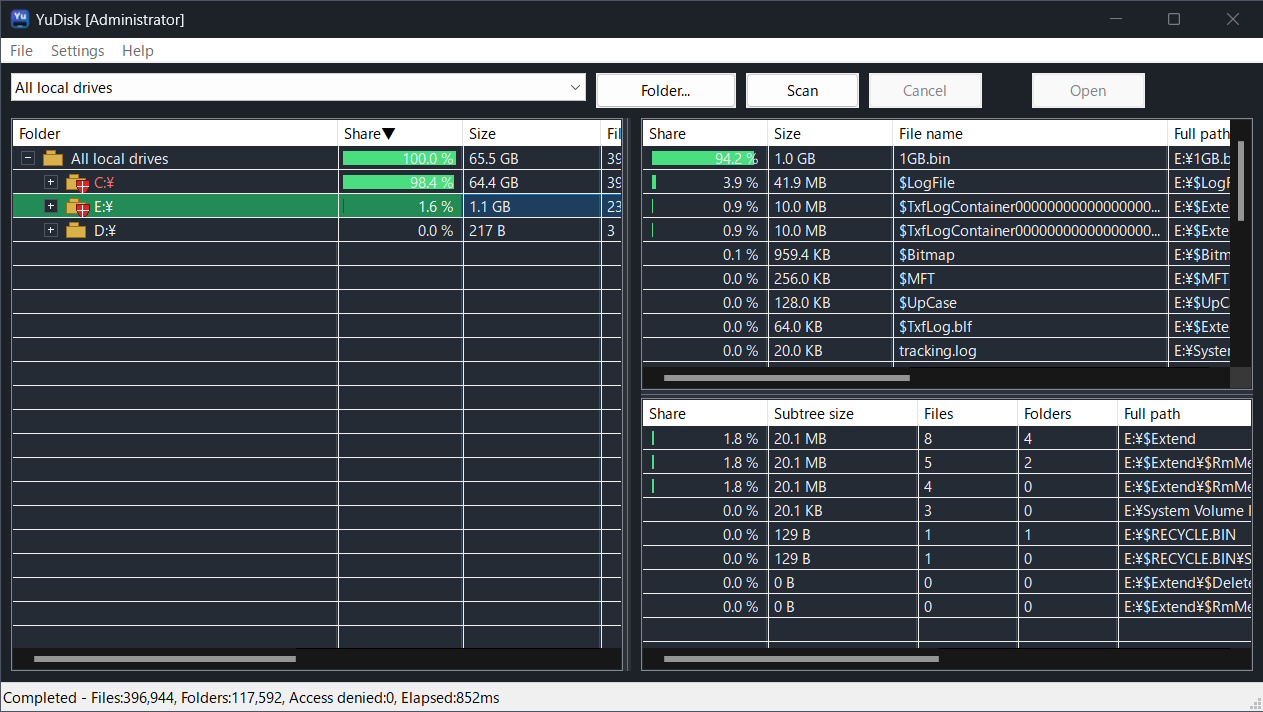
YuDisk is a disk usage viewer for Windows that helps you inspect how local drive space is being used.
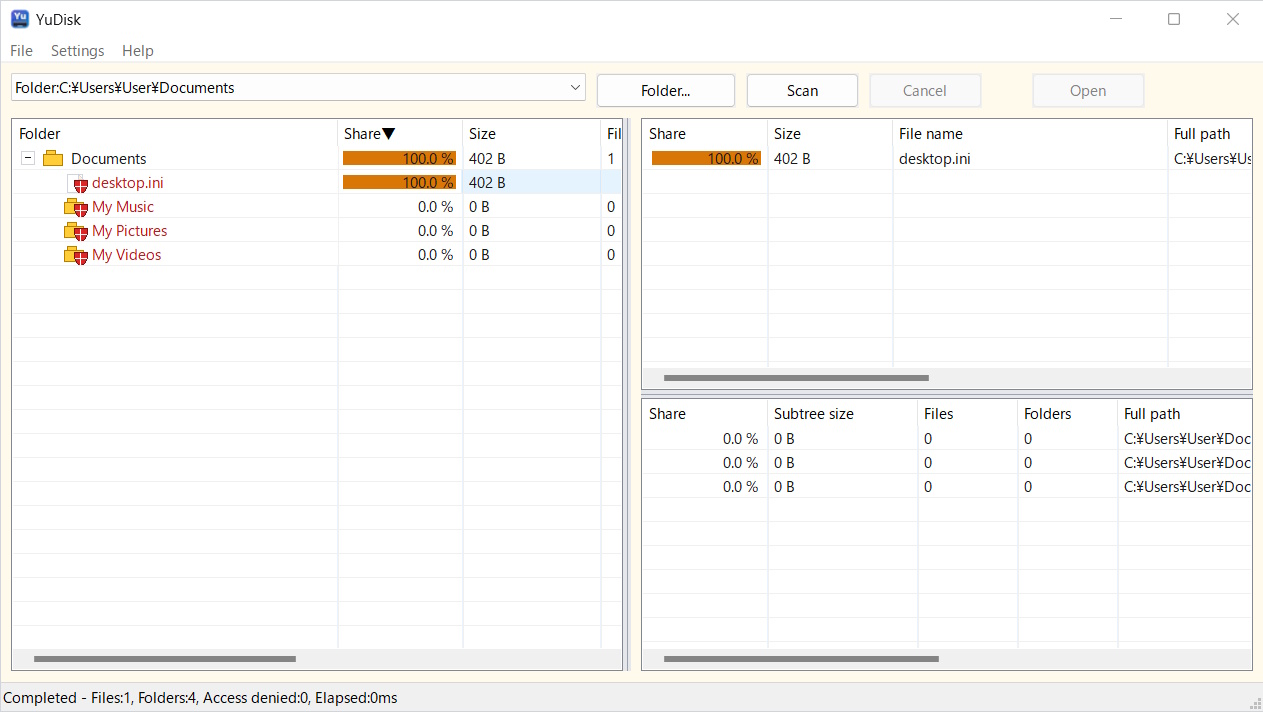
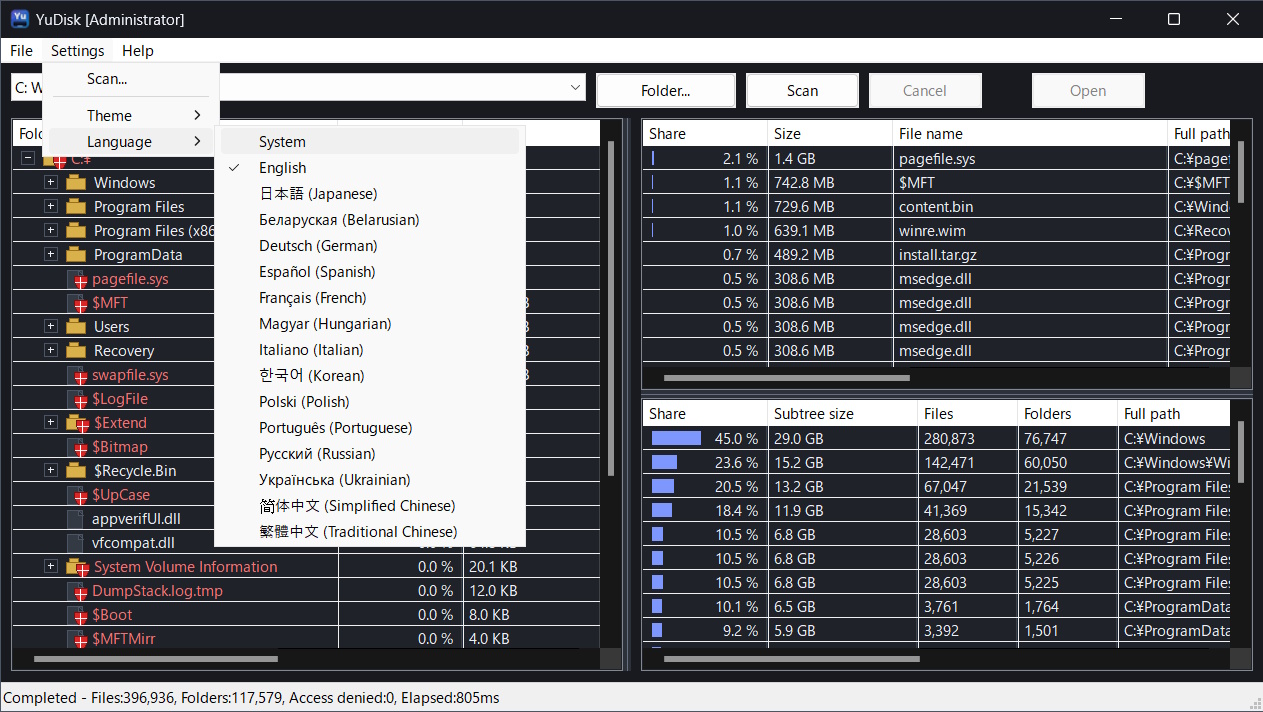
It links an Explorer-style tree with top files and top folders ranked by size, so you can quickly reach the locations using the most disk space. On NTFS drives, YuDisk can use a faster scan mode when launched with administrator privileges.
Media Coverage
None
Screenshots
Download
Installs YuDisk and registers application settings with the system.
Can be extracted and carried on removable media.
Scan results page for YuDisk 1.00.
Version: 1.00 / Release date: May 16, 2026
Features
Settings File
YuDisk stores settings in yudisk.settings.json.
| ZIP Package | If yudisk.portable exists in the same folder as the executable, YuDisk saves yudisk.settings.json in that folder. |
|---|---|
| MSI / Standard Use | Settings are saved to %LOCALAPPDATA%\YuDisk\yudisk.settings.json. |
System Requirements
| OS | Windows 11 64-bit |
|---|---|
| Processor | Intel / AMD 64-bit processor |
| Target Drives | Local drives normally accessible from Windows, including NTFS, exFAT, and FAT32. |
| .NET Framework | Not required. YuDisk is a native application. |
License
This software is freeware and may be used free of charge for both personal and commercial purposes.
This software is provided without any warranty. By using this software, you agree to use it at your own risk. The user assumes all responsibility for any damage arising from the use of this software, including damage to third parties and the cost of remedying such damage.
Copyright
Copyright is held by Yutaka Hirata (Yutaka Hirata / 平田 豊).
(C) 2026 Yutaka Hirata (Yutaka Hirata / 平田 豊)
Release History
| 1.00 |
|
|---|